Your mail and calendar in one app.
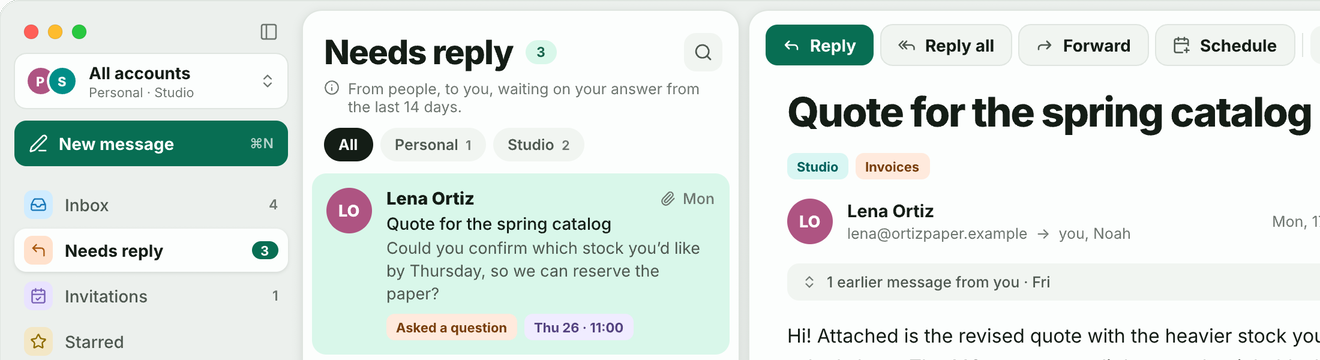
mailey is a Mac app for your Gmail and Google Calendar. See what’s next and who’s waiting for your reply, without jumping between tabs.
See it in 30 seconds.
Your day, your inbox and your calendar, and how they work together.
What mailey does
-
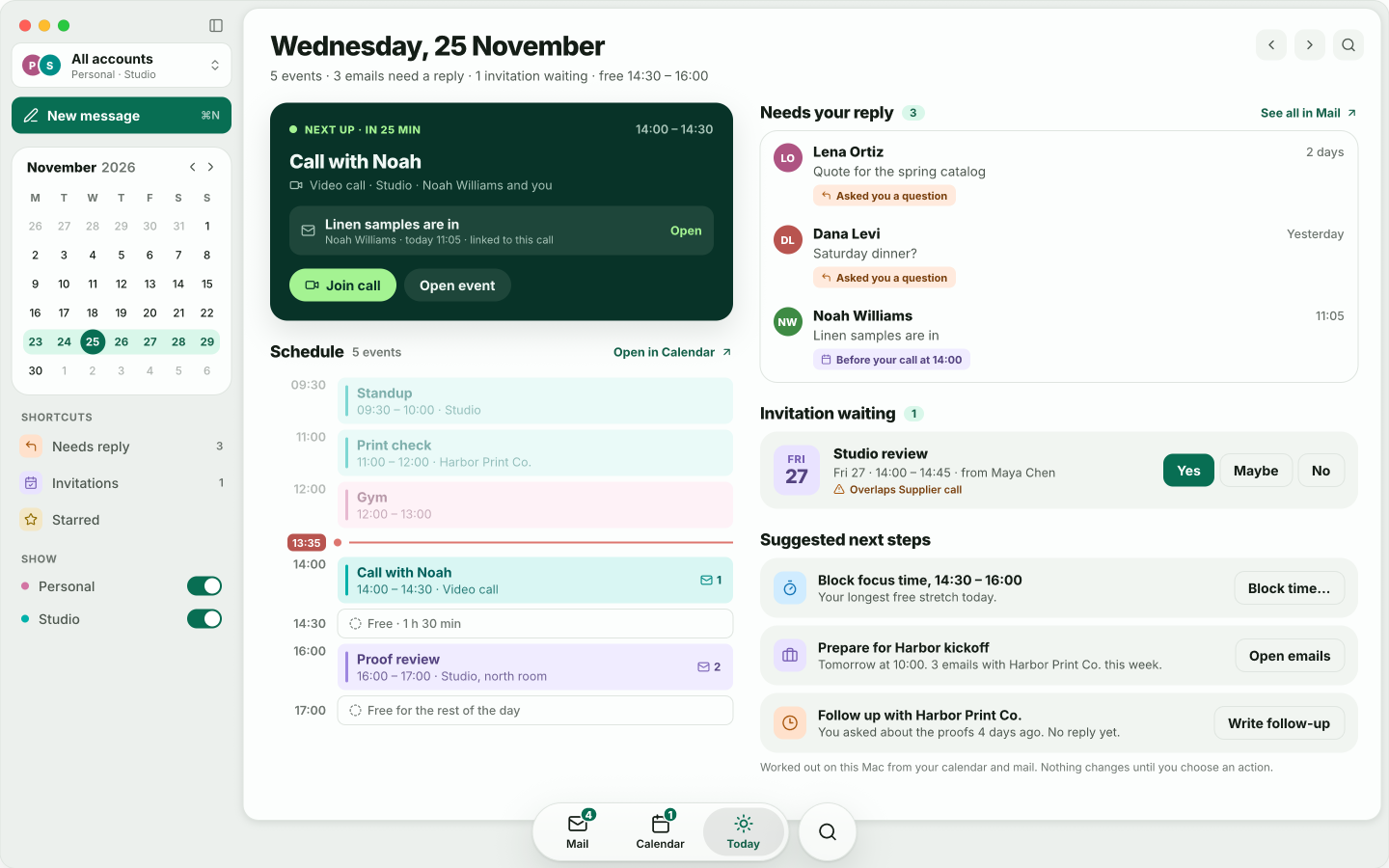
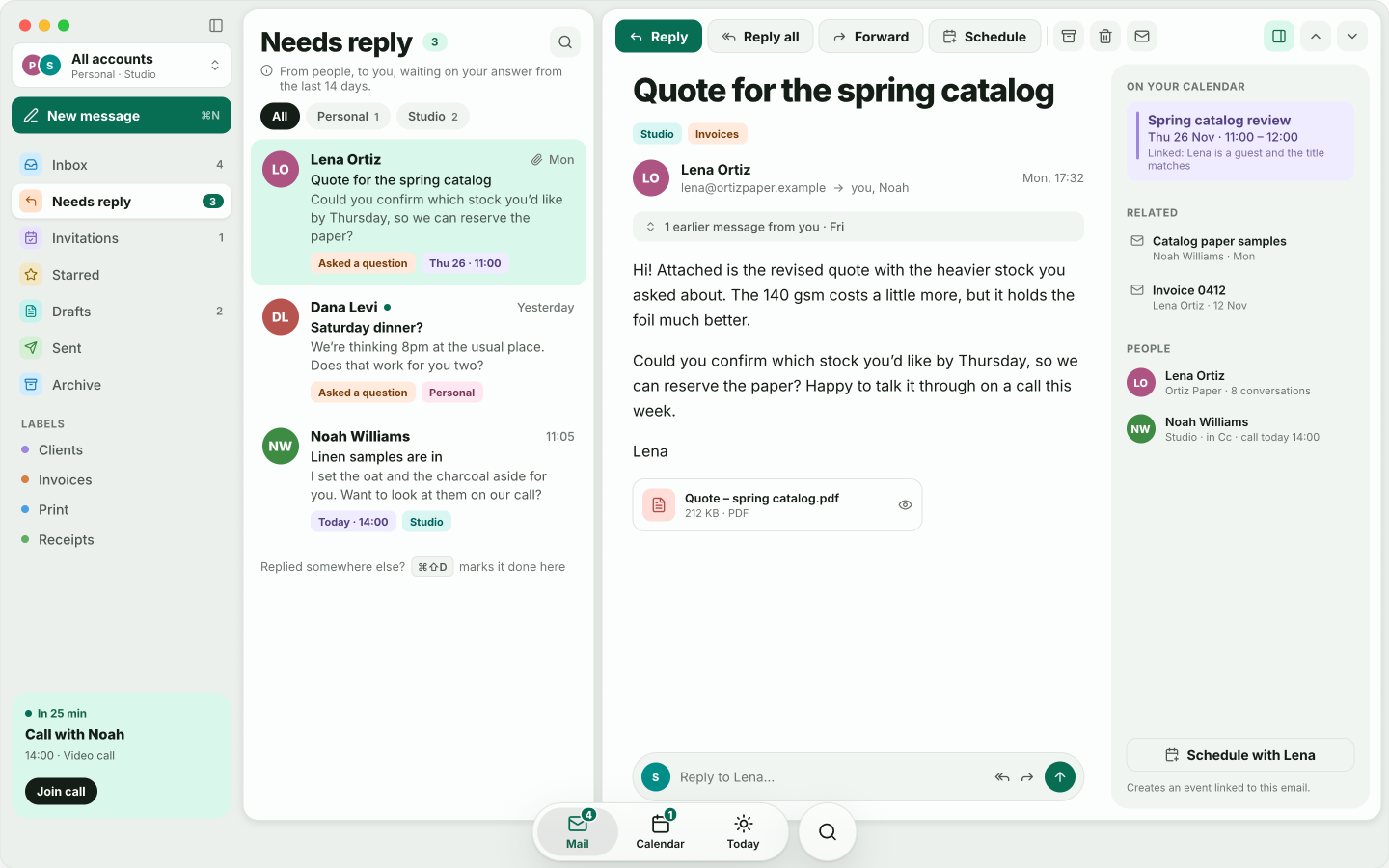
Your whole day on one screen.
Your next meeting, your free time and everyone waiting for a reply, all on one screen. You can answer invitations right there too.
-
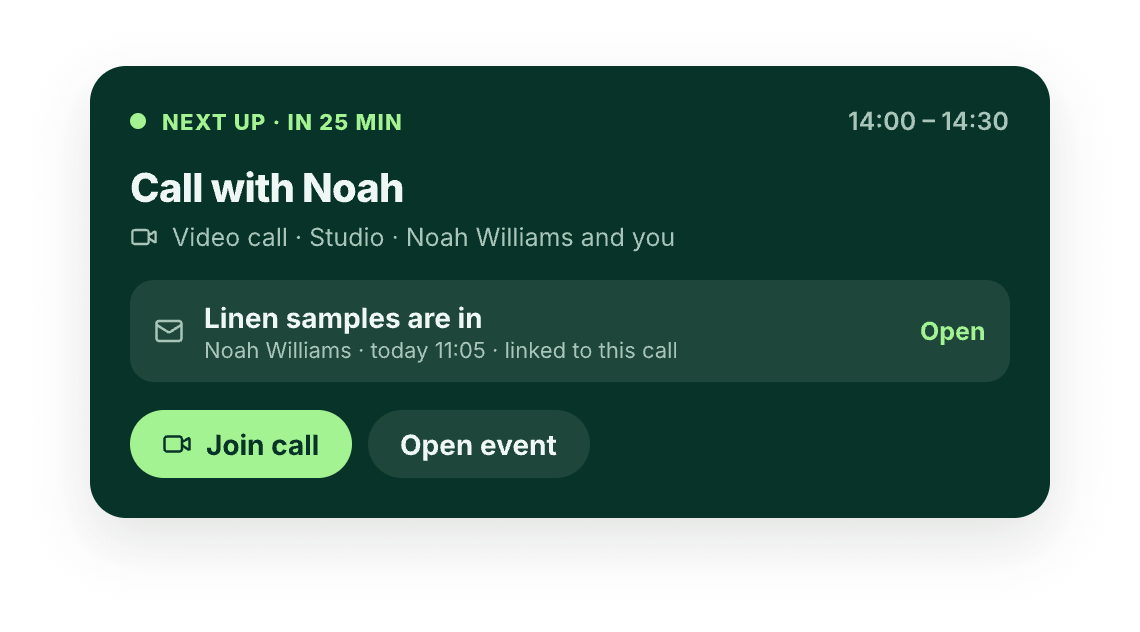
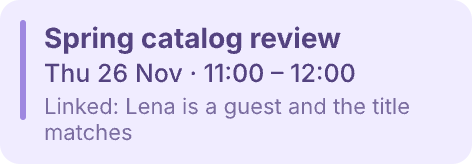
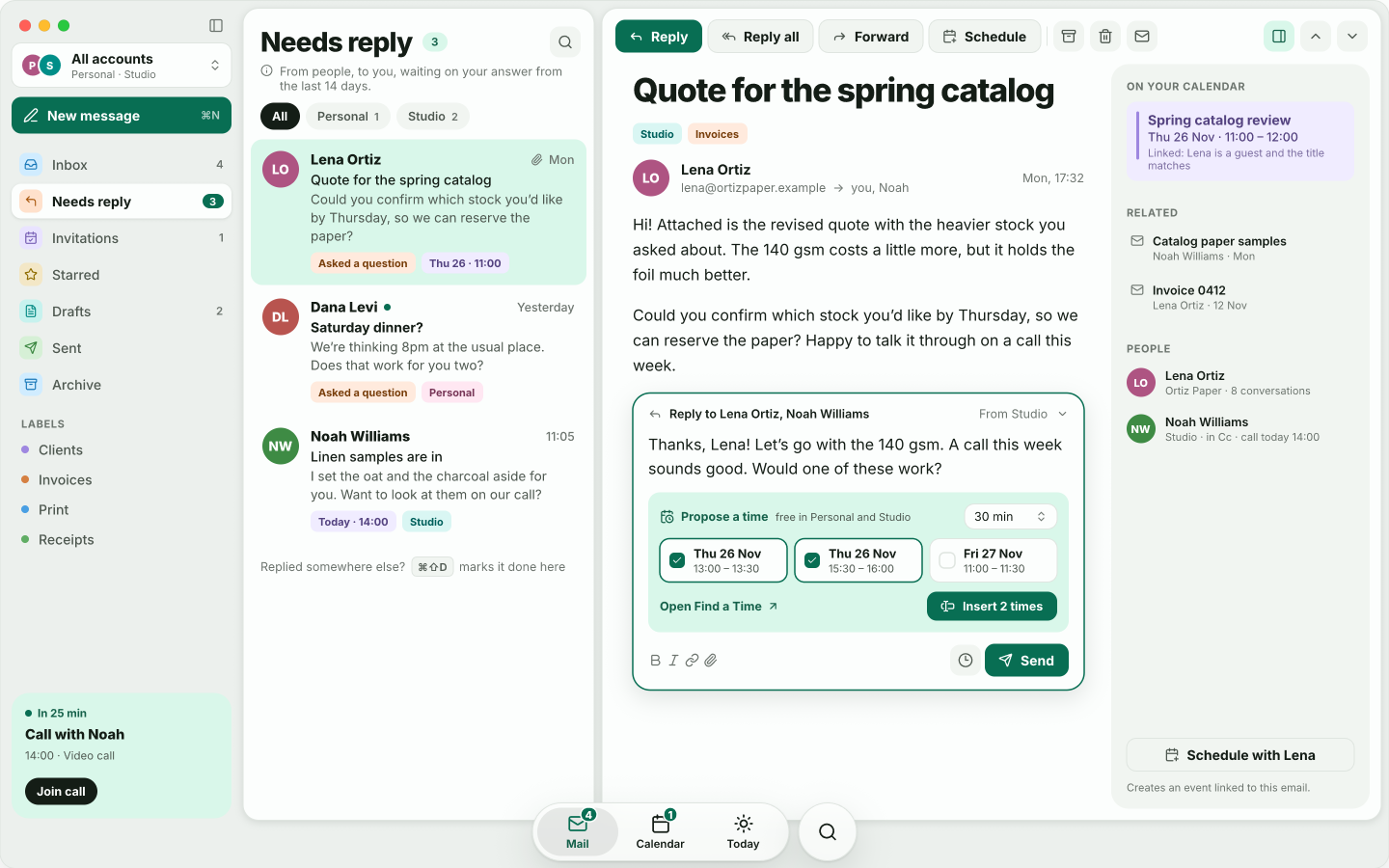
Every email knows its meeting.
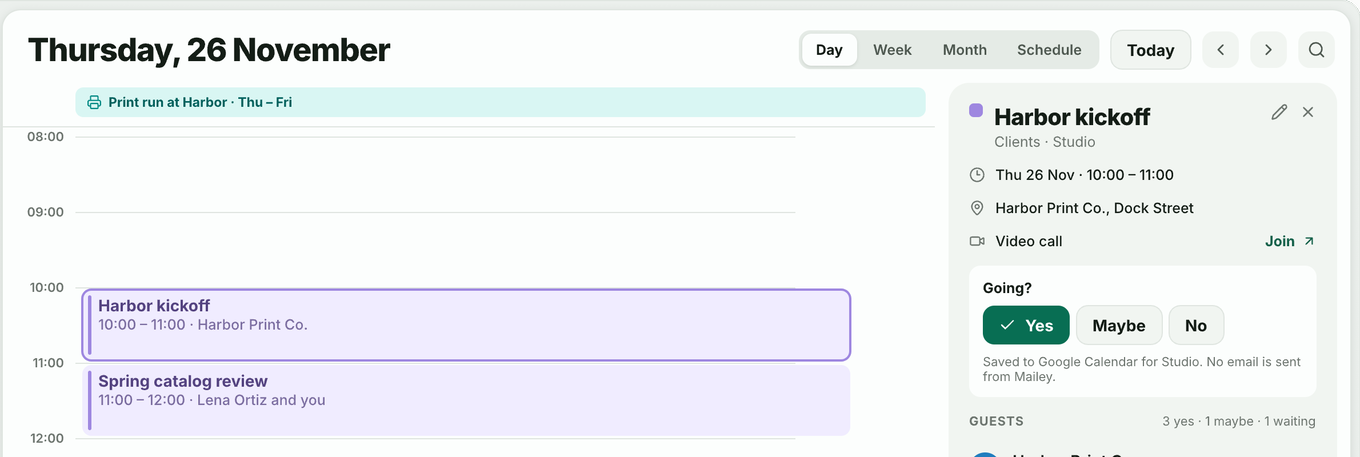
When an email is about a meeting, mailey shows the meeting right next to it. Open the meeting and you’ll see its emails and who’s coming.
-
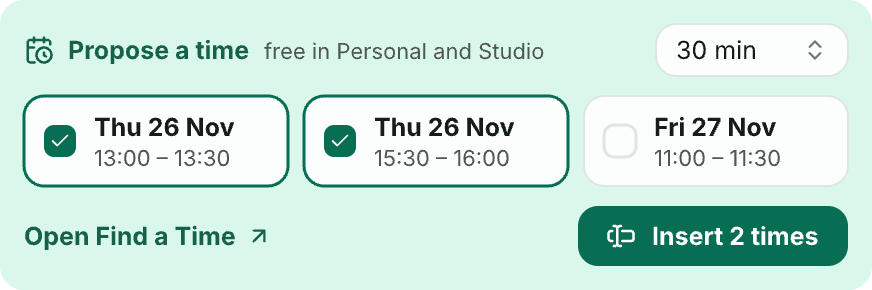
Offer your free times in one click.
Hit Propose a time and mailey adds your open slots to the reply. No need to open your calendar.
-
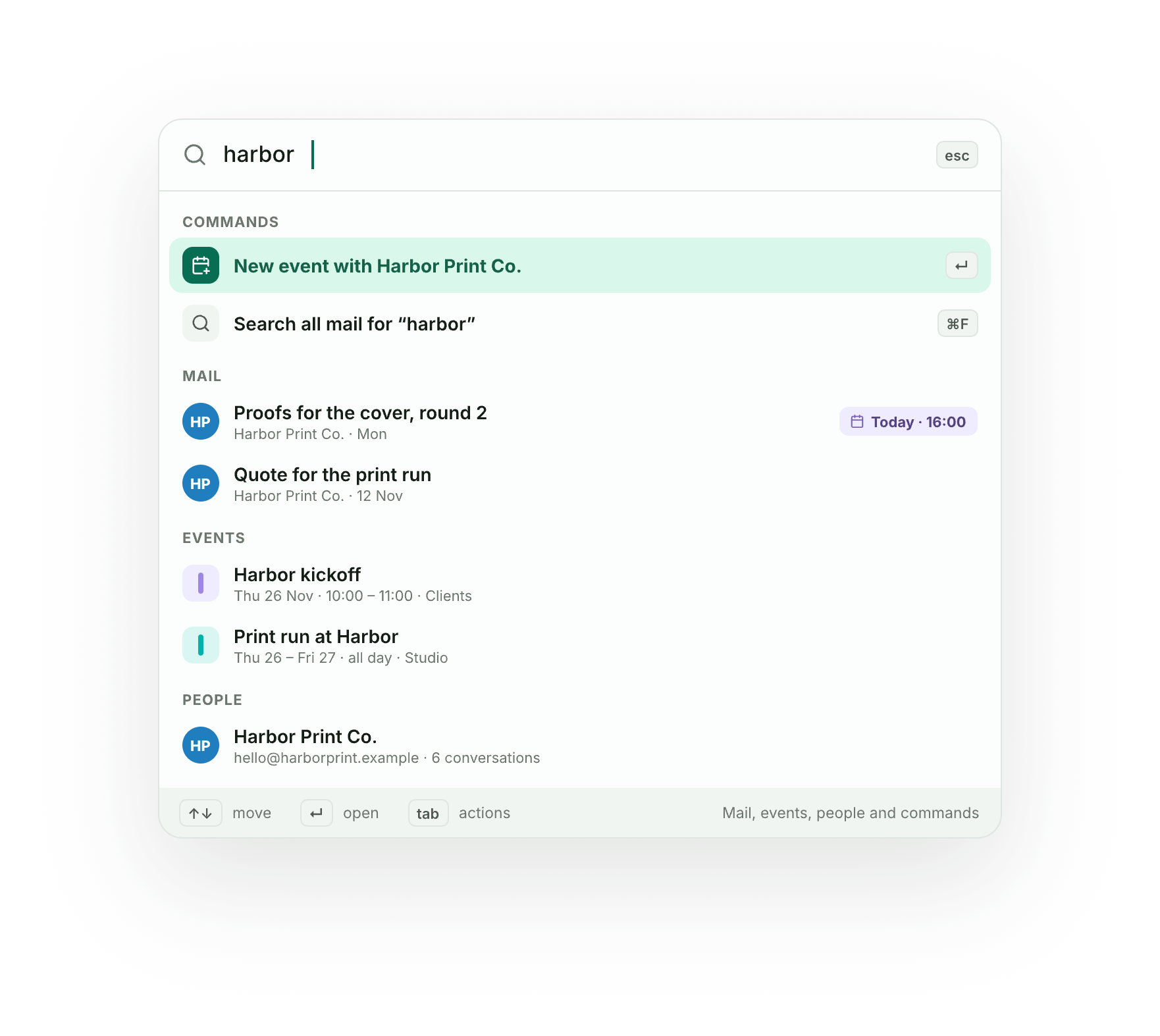
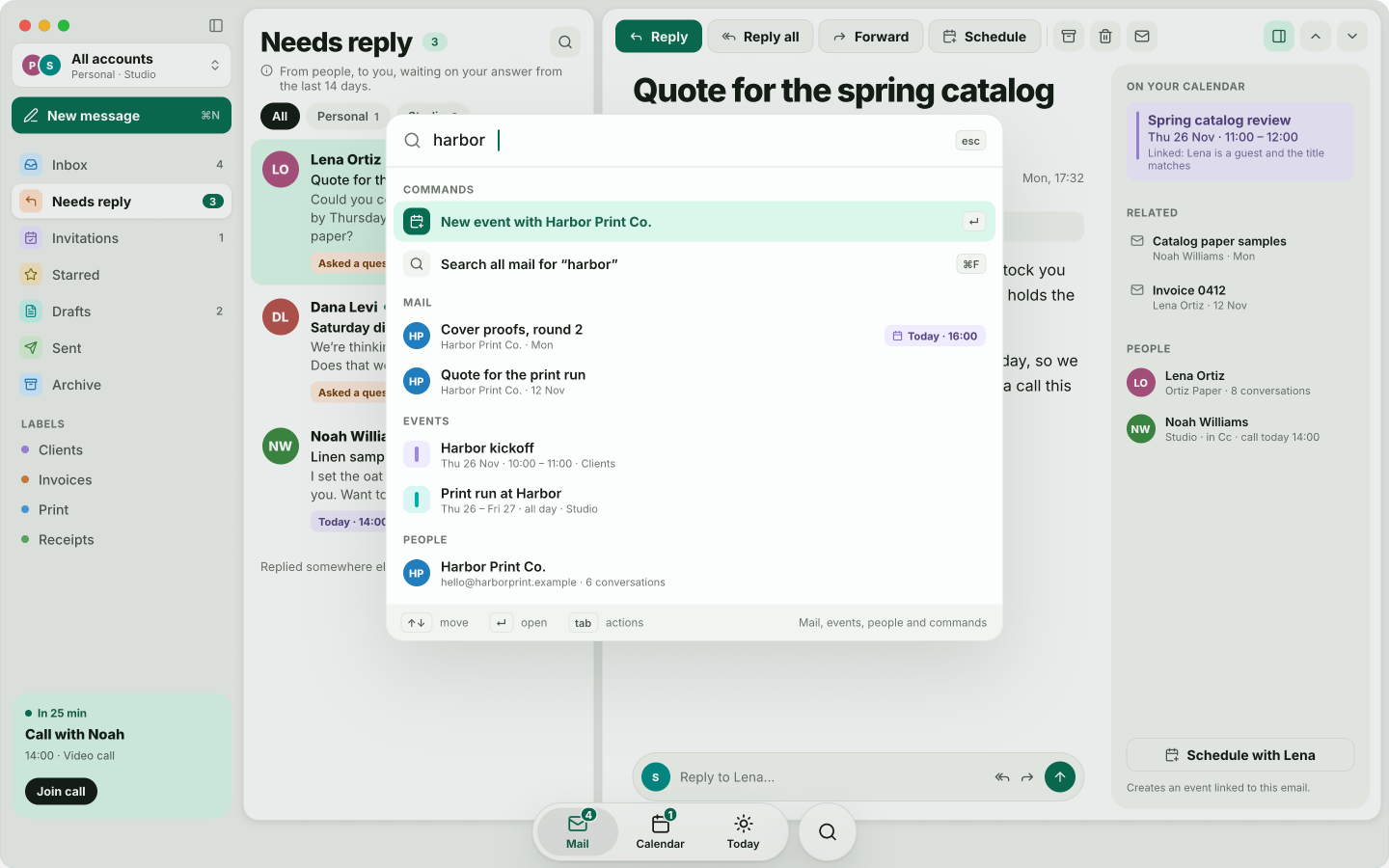
Everything, one ⌘K away.
Search your mail, events and people from one box, and act on them right from the results.
And a lot more.
-
Needs reply
Who’s waiting on you and why: a question, an invitation or a follow-up.
-
Answer invitations in the email
Say Yes, Maybe or No right from the email, and see if it clashes with anything.
-
All your Google accounts
Personal and work together in one inbox and one calendar, or one at a time.
-
Trackers off
Images from the web stay hidden until you load them, so senders can’t tell when you opened their email.
-
Mail onto your calendar
Drag an email onto a day in Calendar to turn it into an event.
-
Instant, with Undo
Everything happens instantly and syncs to Google in the background. Changed your mind? Undo.
-
Easy on the eyes
Three text sizes and a roomy layout. ⌘+ and ⌘− work everywhere.
-
A real Mac app
Native windows, notifications for new mail and lots of keyboard shortcuts.
-
Updates itself
New versions install on their own, and mailey shows you what’s new.
Make it yours.
Ten themes, each with light and dark, or let it follow your Mac.
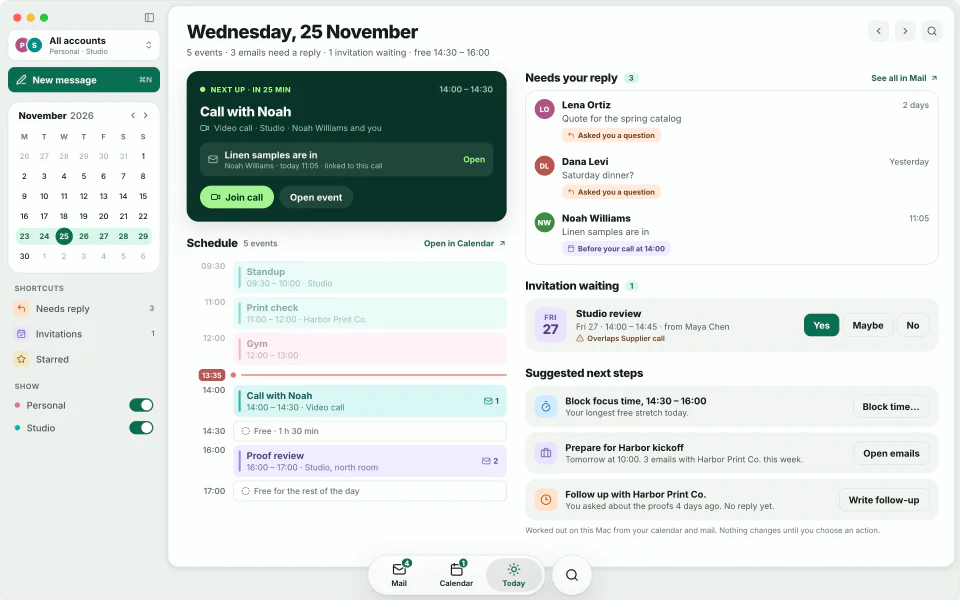 Pine
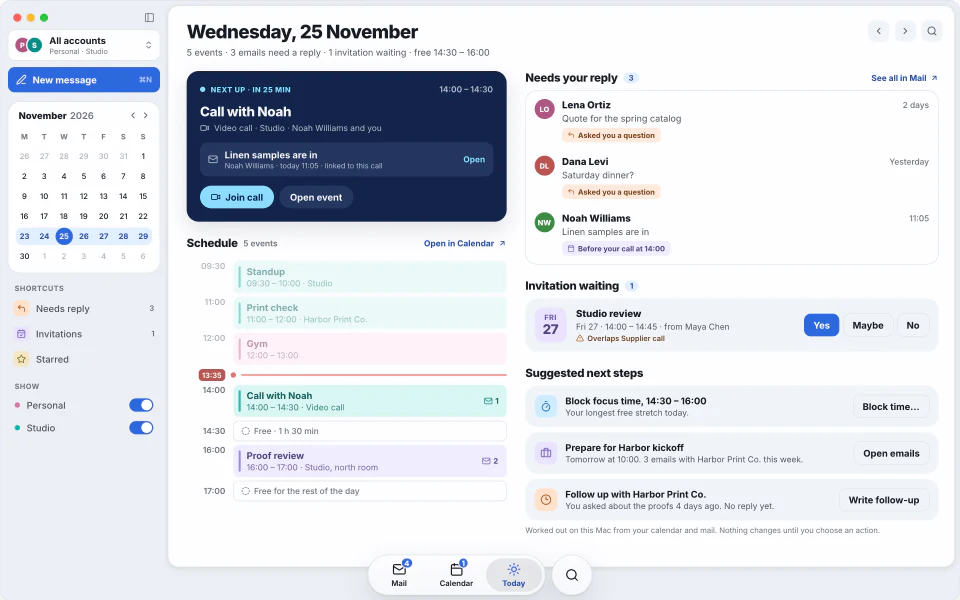 Ink
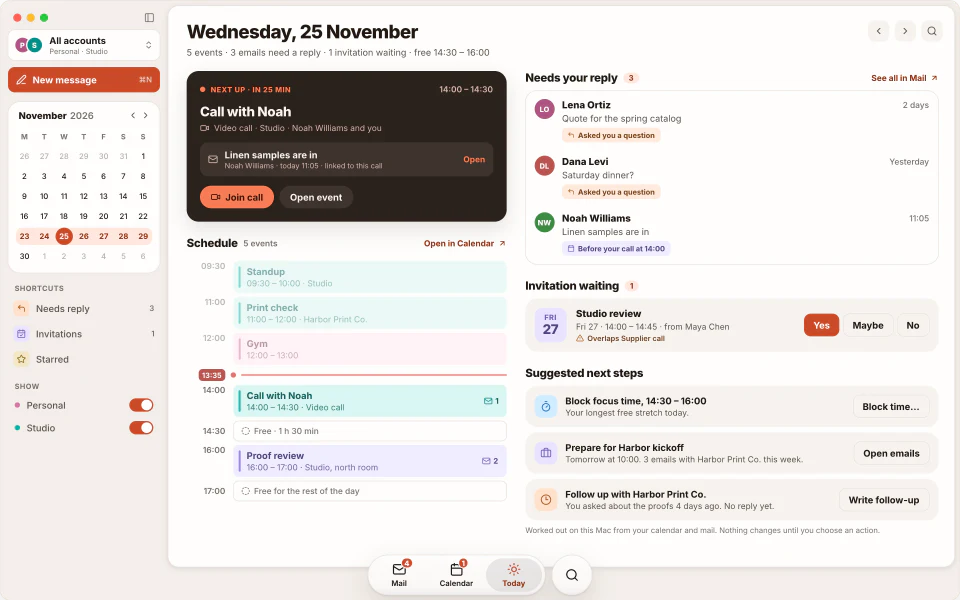 Coral
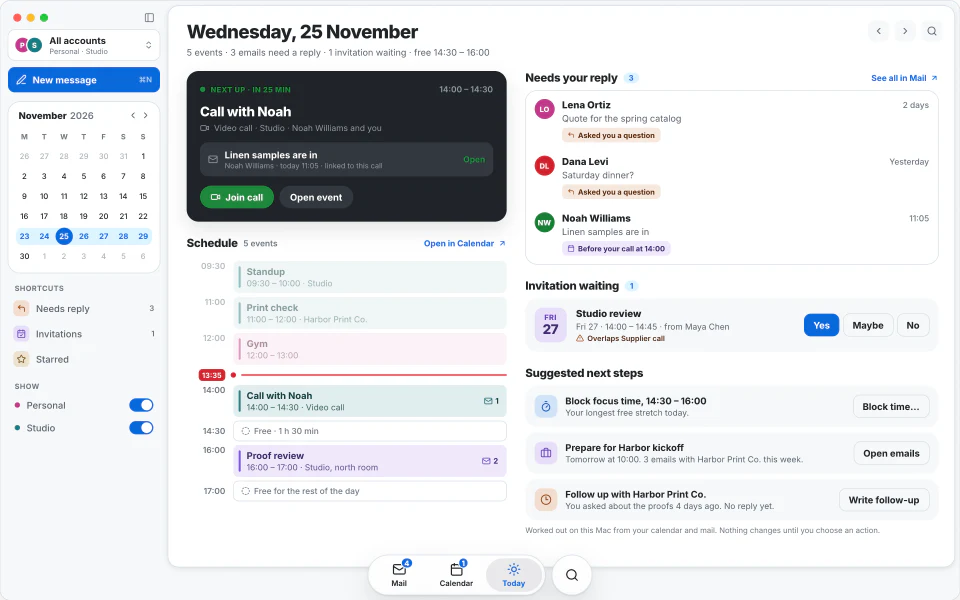 Primer
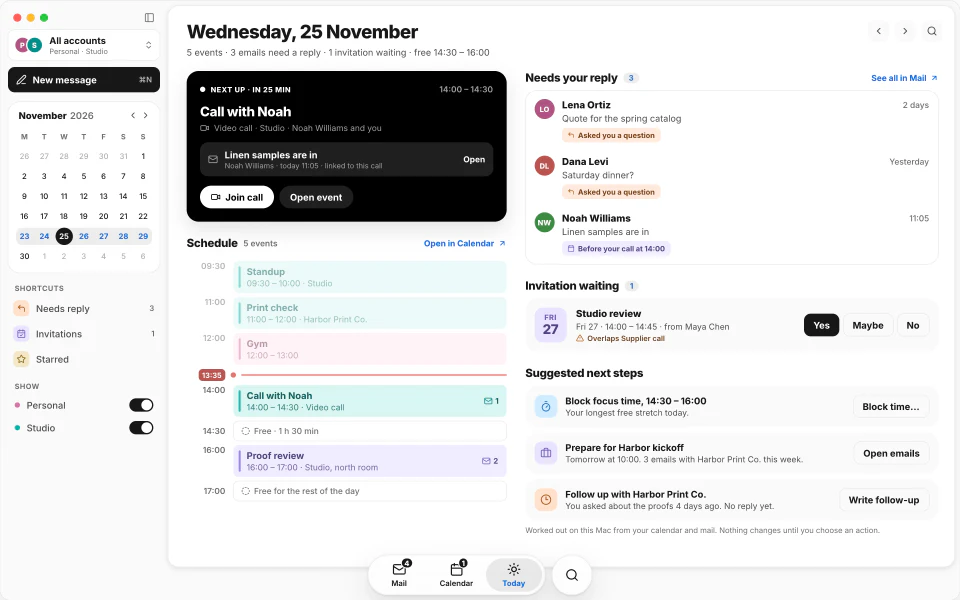 Geist
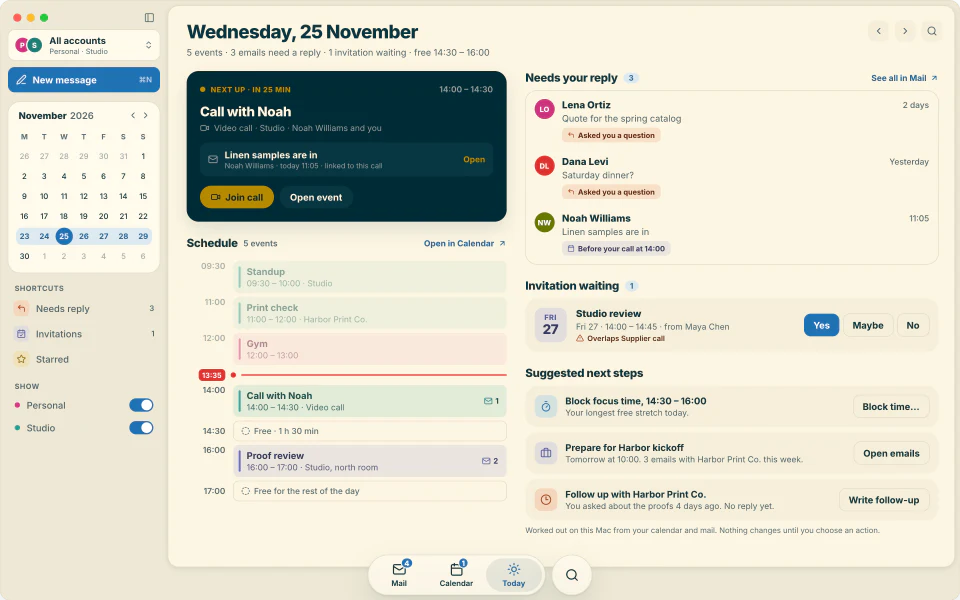 Solarized
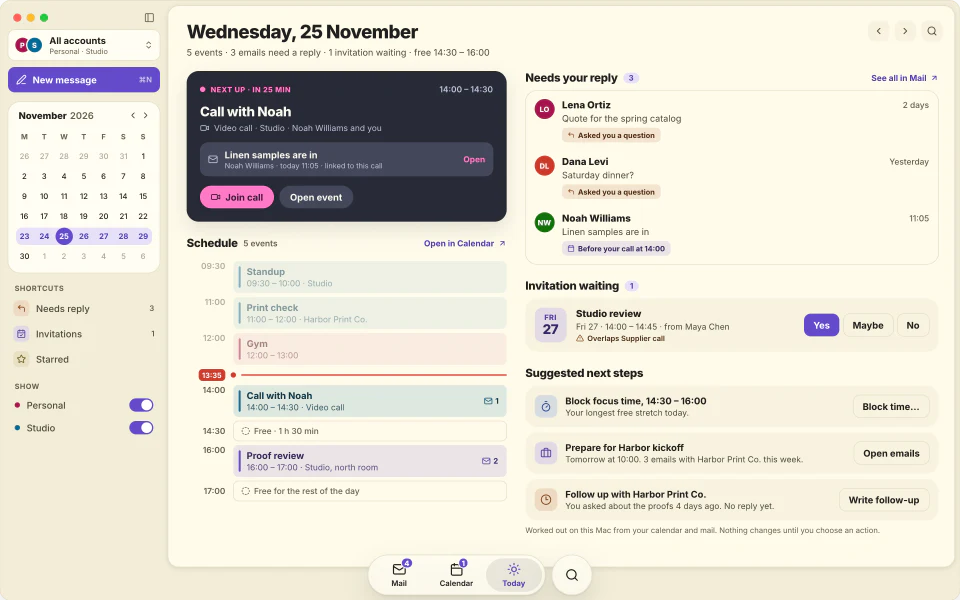 Dracula
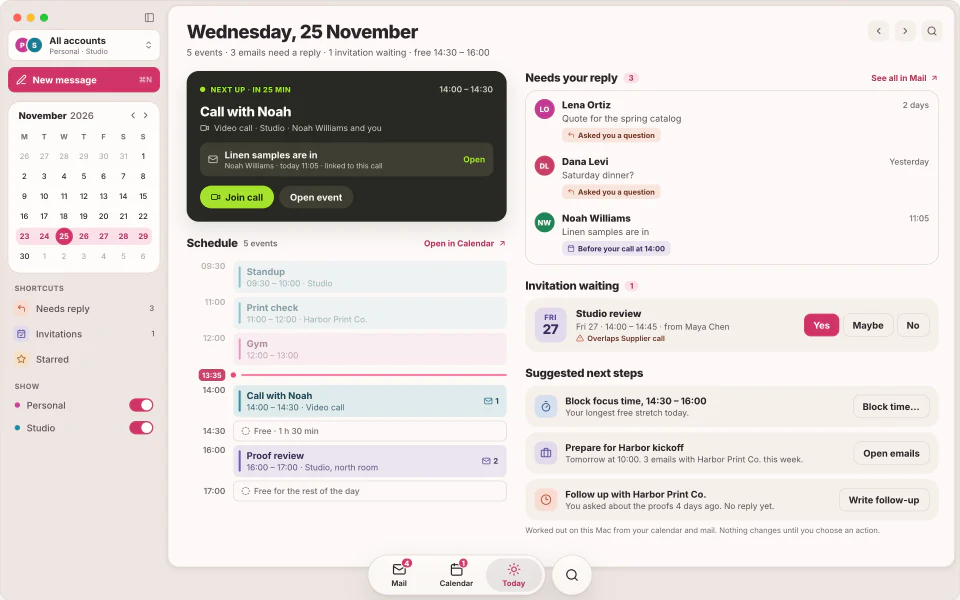 Monokai
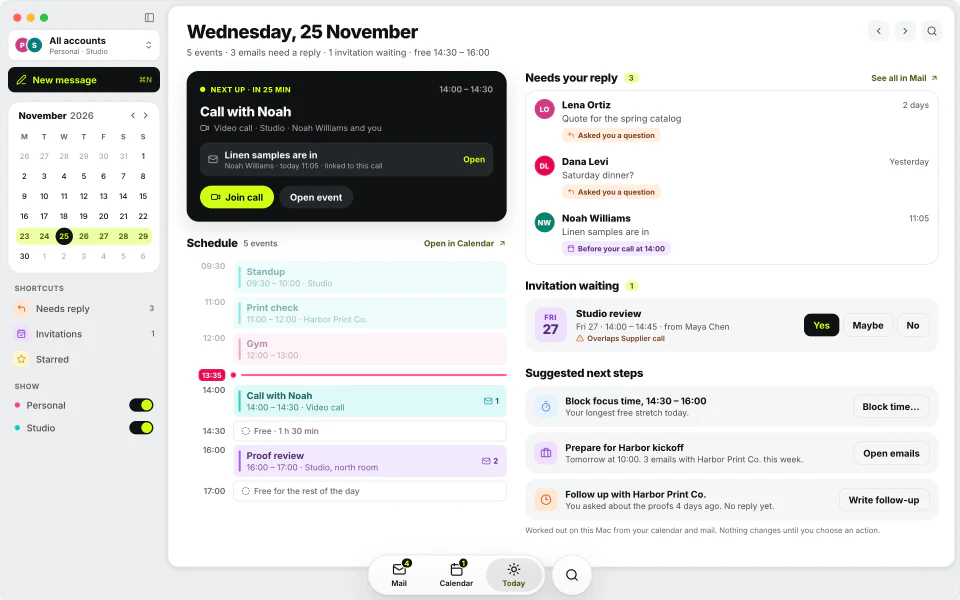 Higgsfield
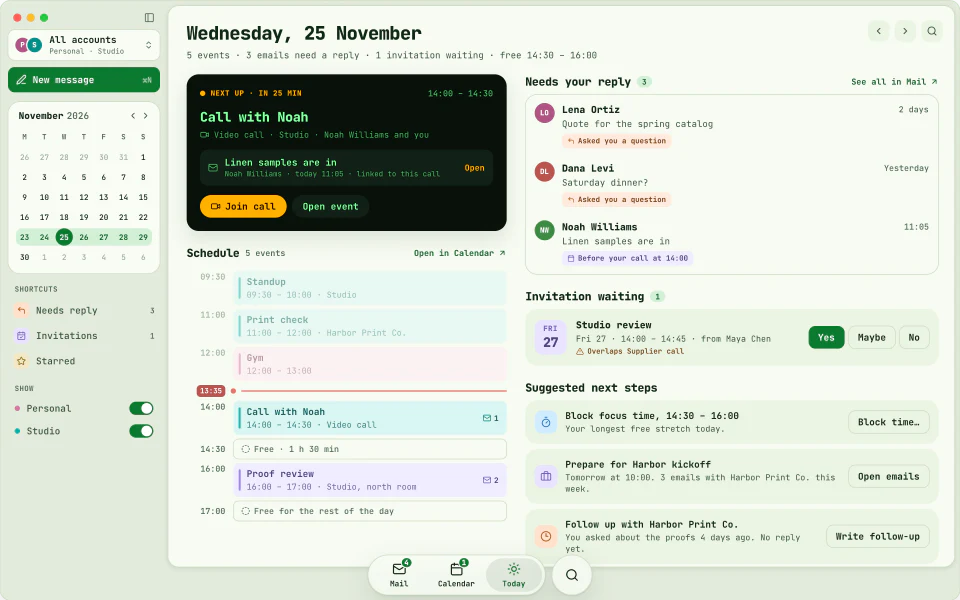 Terminal
Just you and Google.
mailey runs on your Mac and talks straight to Google. There’s no mailey server, no account and no cloud, so your mail, events and contacts never go through anyone else.
- Your sign-in stays in your Keychain. You can revoke it any time in your Google Account.
- Mail saved on your Mac is encrypted, and the key stays in your Keychain.
- No ads, no analytics, no tracking. Nobody reads your mail, and none of it trains an AI.
Questions
Why does Google say mailey is unverified?
Every app that reads Gmail has to pass Google’s review, and mailey is going through it right now. Until it’s done, Google’s sign-in screen will say Google hasn’t verified this app
. That’s normal, and it’s safe to continue:
You can remove mailey’s access any time in your Google Account.
Why do you email the download link?
While Google reviews mailey, only a limited number of people can sign in, so I’m handing out the link one person at a time. It should arrive within a minute. I keep your address so I know who’s trying mailey. I’ll never share it, and I’ll delete it if you ask at hello@getmailey.app.
Which Macs does it run on?
Any Mac with Apple silicon on macOS 14 Sonoma or later. Open the download and drag mailey into Applications.
Which accounts does it work with?
Gmail and Google Calendar. Add as many Google accounts as you want and see them together or one at a time.
How do updates work?
mailey checks for a new version about once a day and installs it on its own. You can turn that off in Settings → General → Updates.